← All models · RMBG-1.4

use case · basics

Basics: one photo, one clean cutout

The whole idea, plainly. A photo goes in; the subject comes out on transparency, with a soft matte doing the separating. Toggle between the cutout and the raw matte to see what the model actually produced.

Drop a photo, or click to choose
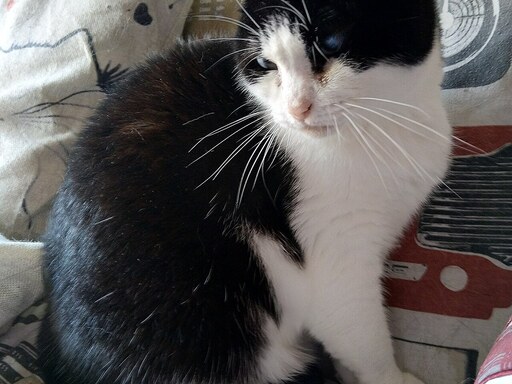
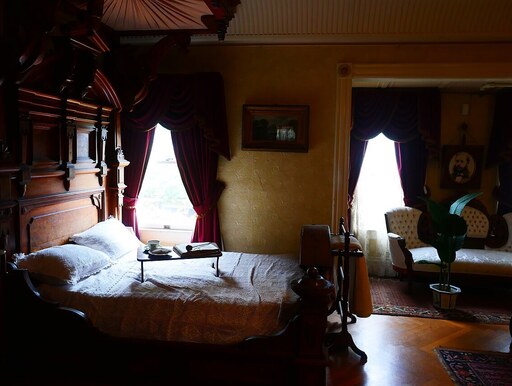
Two cats on a couch A sunlit bedroom scene A swan on a river

Input

Selected photo

Cutout (on transparency)

The matte is the model's real output — a grayscale image where white is "keep" and black is "drop". The cutout is just that matte copied into the photo's transparency. Same numbers, two views.

← Back to RMBG-1.4 · Next: Practical →