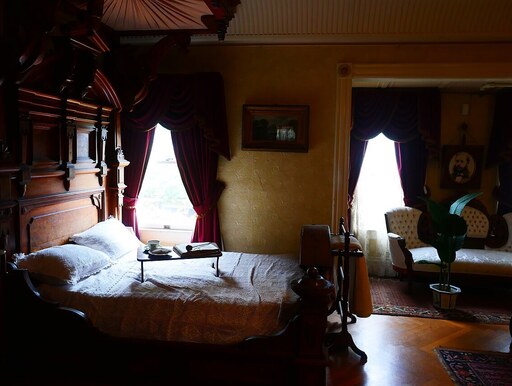
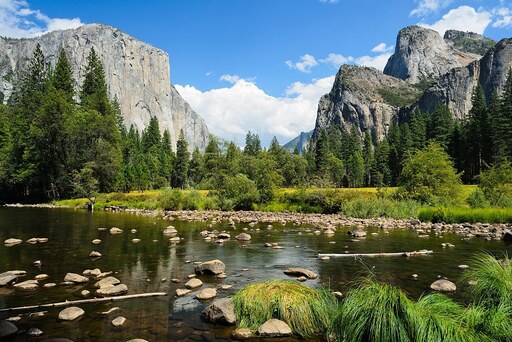
Give it a photo and it decides, pixel by pixel, what's foreground and what's background —
returning a soft alpha matte you can drop onto transparency, a colour, or a new scene.
It's the "remove background" button, running entirely on your device. Nothing is uploaded.
image-segmentation — a single foreground/background matte
Architecture
IS-Net dichotomous segmentation → one alpha value per pixel
Precision
fp32 on WebGPU; q8 (8-bit) on the WASM fallback
Backend
WebGPU (fp32); falls back to WebAssembly where WebGPU is absent
Download
~170 MB (fp32) / smaller on the q8 fallback, cached after first load
License
Non-commercial (BRIA RMBG-1.4); commercial use needs a BRIA agreement
Web APIs
WebGPU, Web Workers, Canvas 2D, FileReader — WebGPU is the only non-Baseline piece, and the page says so if it's missing
Run it
Pick or drop a photo, then remove the background. The result sits on a checkerboard so you can see exactly where it made the image transparent.
Drop a photo, or click to choose
Input
Cutout (on transparency)
backend –latency –kept –
See inside
The model never sees "a cat" — it outputs an alpha matte: a number from 0
(background) to 255 (subject) for every pixel. The cutout above is just the photo with that matte
stamped into its transparency. The soft, in-between values along the boundary are where the model
expresses uncertainty — wisps of fur, hair, motion blur — and they're what make a cutout look real
instead of cut with scissors.
Remove a background to see the matte.
Alpha matte (0–255)
Soft-edge detail
matte resolution
–
foreground coverage
–
soft-edge pixels
–
Alpha distribution (background → subject)
Why it matters
"Remove the background" used to mean a round-trip to a paid API or twenty minutes in Photoshop.
RMBG does it in a web page, on-device, in a second or two — which changes what you can build:
Product shots — drop any catalogue photo onto a clean white or brand-colour backdrop, consistently, at scale.
Avatars & profile pics — let users swap their background live, with the image never leaving their browser.
Stickers & cutouts — turn a photo into a transparent PNG (or an outlined sticker) for chat, decks, and design tools.
Compositing pipelines — the matte is the first step for green-screen-free video calls, try-on, and AR overlays.
RMBG-1.4 uses a custom architecture, so the model card's documented path loads the model and processor directly and reads the matte tensor:
import { AutoModel, AutoProcessor, RawImage } from "@huggingface/transformers";

const model = await AutoModel.from_pretrained("briaai/RMBG-1.4", {
  device: "webgpu", dtype: "fp32", config: { model_type: "custom" },
});
const processor = await AutoProcessor.from_pretrained("briaai/RMBG-1.4");

const image = await RawImage.read(imageURL);
const { pixel_values } = await processor(image);
const { output } = await model({ input: pixel_values });

// output[0] is a 0–1 foreground map. Scale to 0–255 and resize to the original photo:
const matte = (await RawImage.fromTensor(output[0].mul(255).to("uint8")))
  .resize(image.width, image.height);
// then copy `matte` into the image's alpha channel → the cutout
This page runs that in a Web Worker and copies the matte into the photo's alpha on a canvas, so
the interface stays responsive and the composite (transparency, colour, or a new scene) is all
client-side.