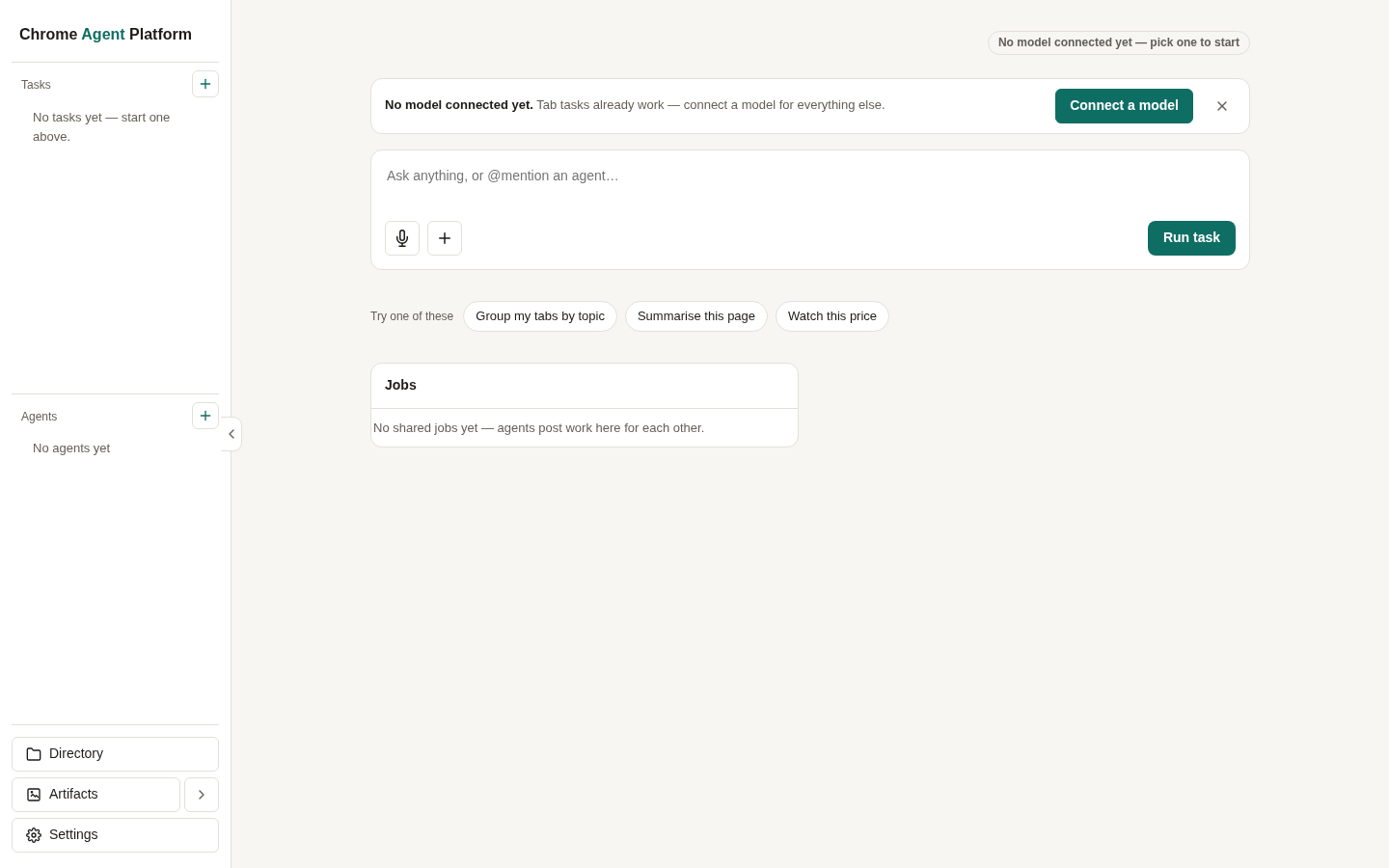
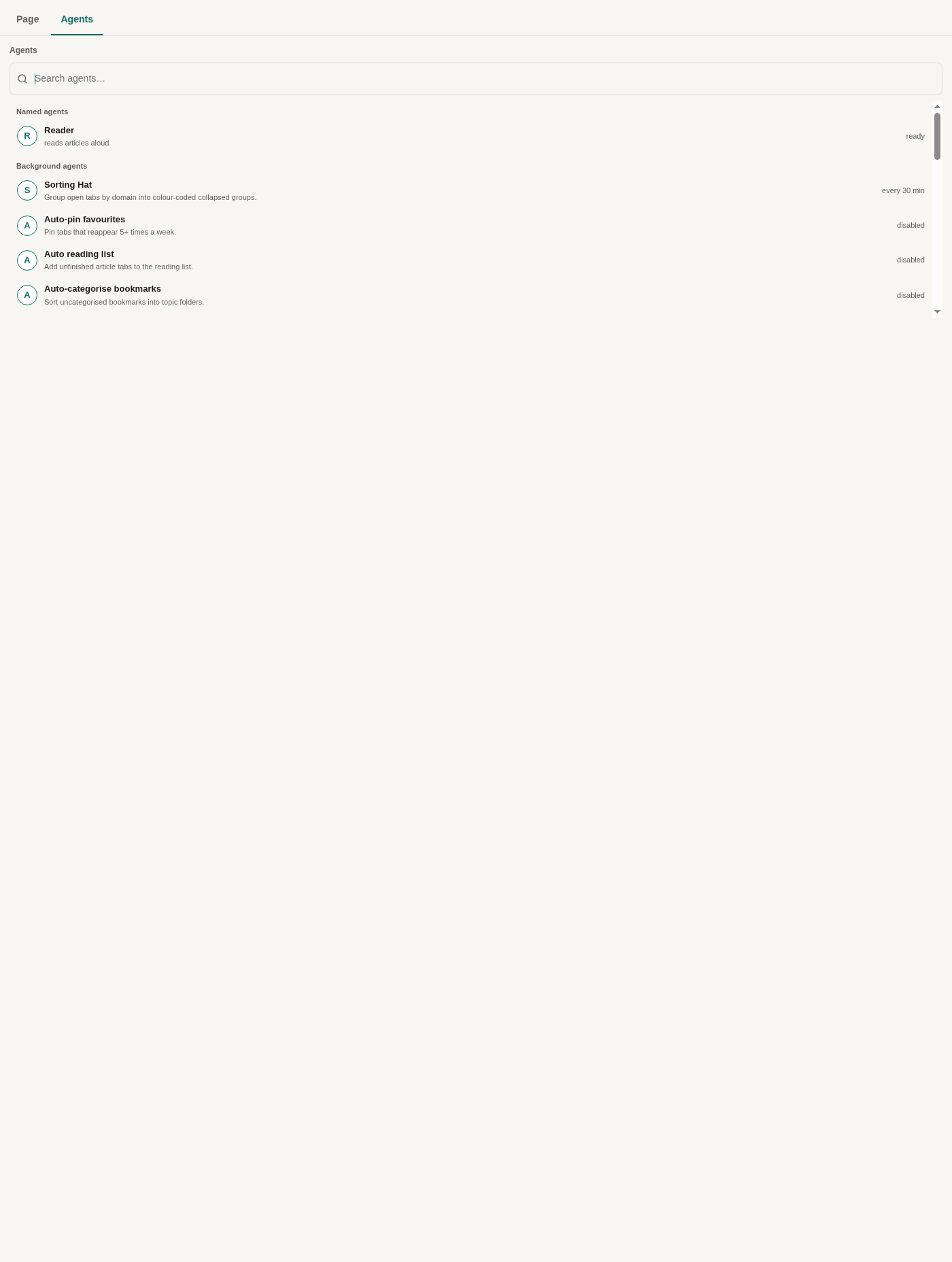
🚀 New Tab Page & Side Panel
Invoke agents from Chrome's New Tab Page or keep a persistent assistant open in the Side Panel with responsive collapsible rails and 34px icon navigation.
The in-browser agent harness for Google Chrome. Seamlessly embeds autonomous coding agents, browser automation tools, and MCP servers directly into Chrome's New Tab Page (NTP) and Side Panel with strict security containment.
CAP bridges local AI coding CLIs and MCP servers with Chrome's native extension APIs, delivering a fast, keyboard-driven agent hub right alongside your browsing tabs.
Invoke agents from Chrome's New Tab Page or keep a persistent assistant open in the Side Panel with responsive collapsible rails and 34px icon navigation.
Untrusted code runs inside an isolated iframe sandbox governed by a strict Content Security Policy (connect-src 'none'). Network egress is confined strictly to the host bridge.
Extension page bundles are statically enforced to ship zero WebAssembly runtime overhead or unneeded dependencies, keeping extension memory footprint minimal.
Connects seamlessly to local developer tools, Model Context Protocol (MCP) servers, and Agent Client Protocol (ACP) harnesses like Pi and Claude Code.
Pre-seed agents with dedicated prompt instructions, tool permissions, and skill sets. Missing skills and requirements are explicitly surfaced before run execution.
Every release is guarded by real headless browser tests verifying end-to-end task completion, accessibility, cookie redaction, and multi-surface parity.
Explore the technical decisions and engineering contracts behind the platform:
The rules governing hermetic browser testing, CDP evaluate timeouts, and test-stage concurrency isolation.
System trade-offs covering tabular artifact promotion, worker conversation histories, and provider price models.
Autonomous fleet guidelines, Beads task tracking conventions, and model review routing rules.
Full version history from v0.1 to v0.3.475, detailing bug fixes, UI enhancements, and security updates.
Build and load the extension in Chrome Developer Mode.
git clone https://github.com/PaulKinlan/chrome-agent-platform.git
cd chrome-agent-platform
npm installnpm run buildThis compiles the production extension bundles into the extension/dist/ directory.
chrome://extensions in Google Chrome.extension/ folder.